

Once a restaurant has more than a few tables, the till stops being the only screen that matters. Orders have to reach the kitchen without somebody walking them over, the floor has to show which table is still open, and the owner has to be able to answer “what did we take today” without counting a drawer at midnight.
WizPOS Lite Pro is the version we built for exactly that step: the same browser-based till as Lite, with a table floor, a kitchen display and the owner’s own report added on top. It is not a different product to learn, it is the same one with the parts a table-service restaurant needs.
What Lite Pro adds to Lite
A table floor of your own
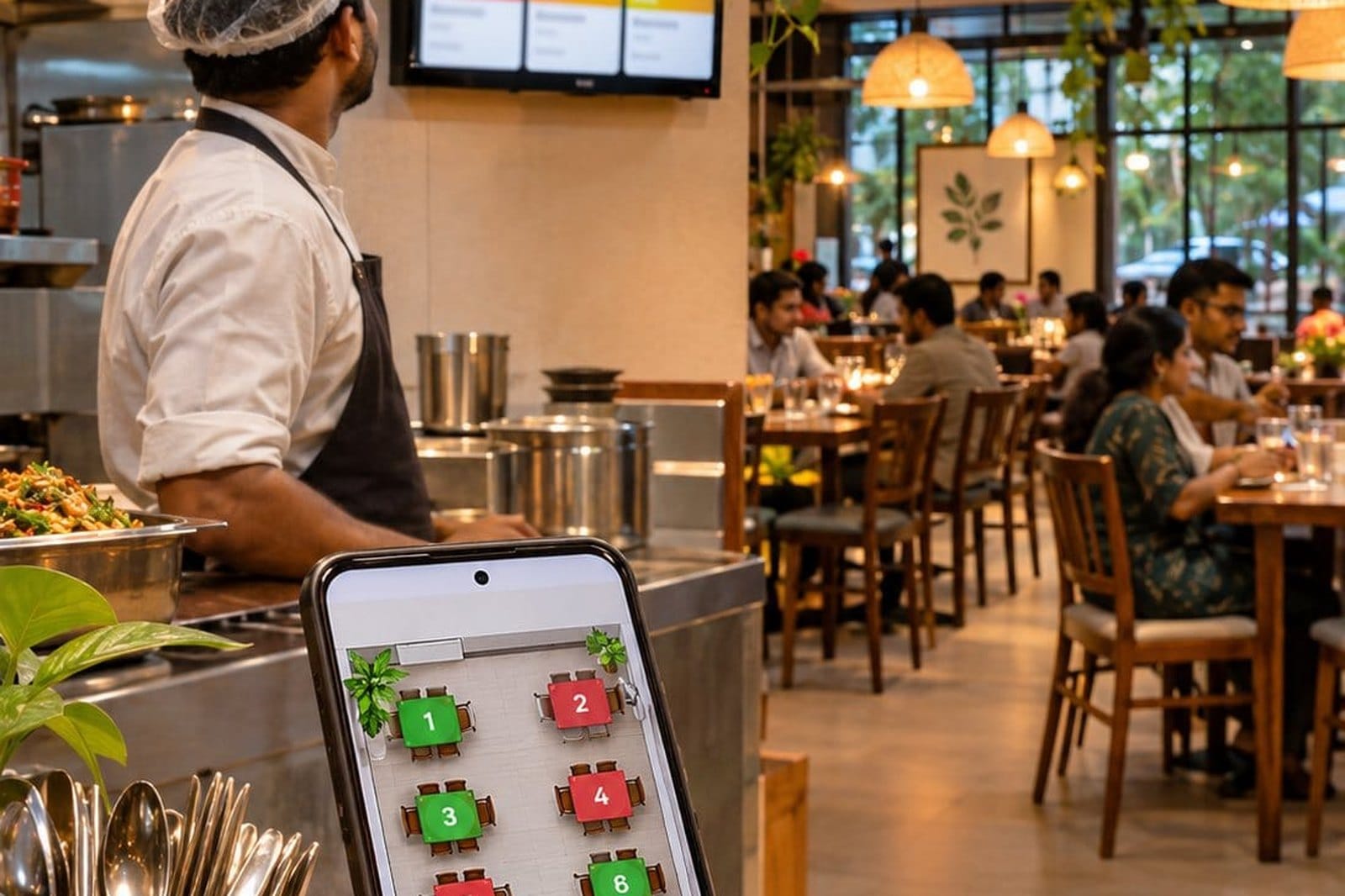
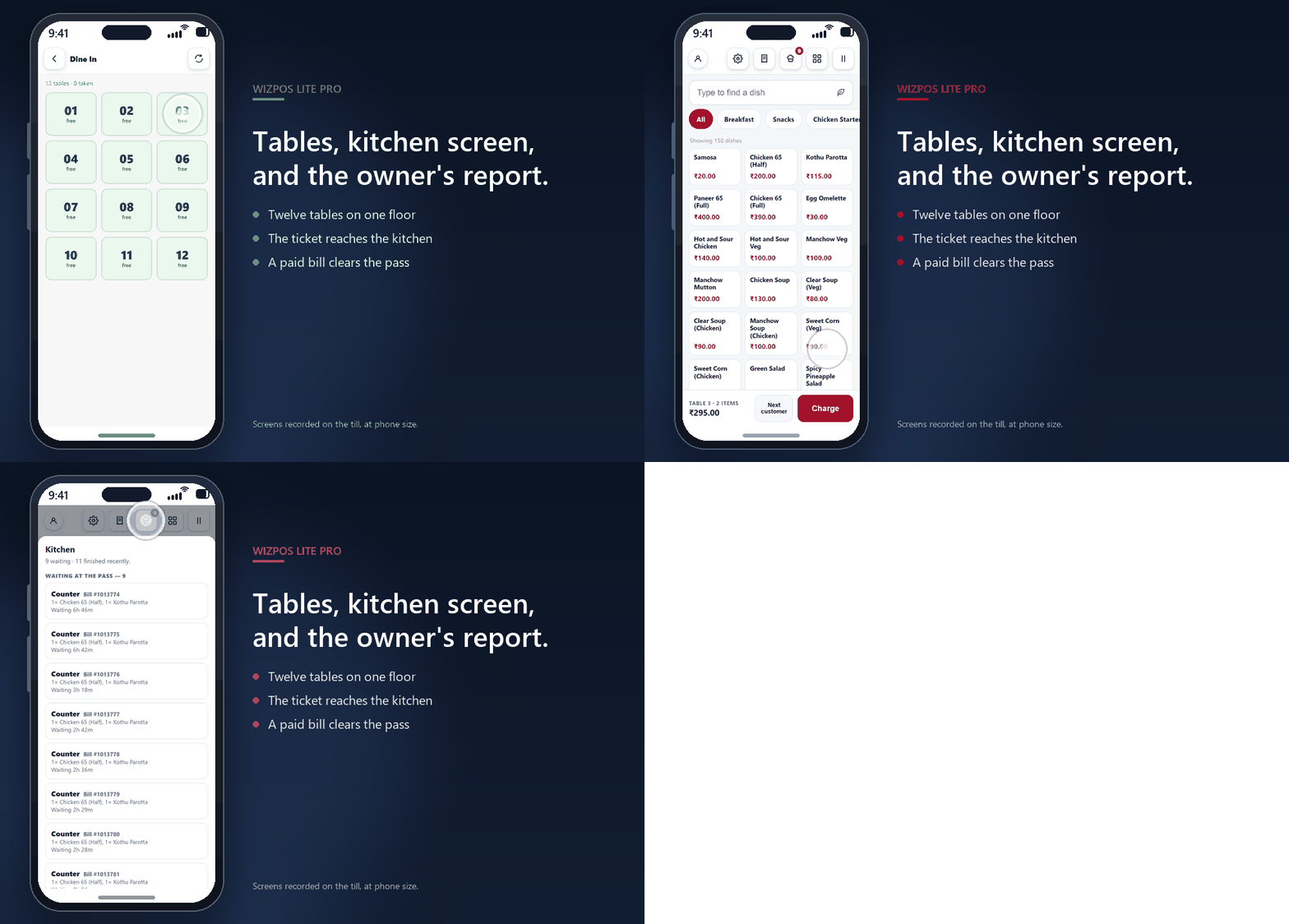
Lite Pro gives you up to twelve tables, drawn as a floor you can read at a glance. A table is either free, waiting for the kitchen, served, or holding an open bill. Opening a table and adding a second round to it is the same action, so the bill at the end matches what the customer actually ordered and not what the waiter remembered.
The header shows a live count of the held bills and the open dine-in bills, so a manager can see at a glance that three tables are still open before the shift changes hands.
A kitchen screen the cook actually uses
Orders reach the kitchen the moment they are punched, with the table number, the time the order was placed and how long it has been waiting. Kitchen staff mark a dish done on their own screen and the counter sees it leave. Nothing is shouted through a hatch and nothing is written on a slip that gets lost under a plate.
Because the kitchen screen is the same system, closing a bill at the counter also clears its tickets. You do not end up with a kitchen list full of orders that were paid twenty minutes ago, which is the usual reason cooks stop trusting a screen.
The owner’s report, without a login to the till
Every Lite Pro licence includes a private report page for the owner. It has its own sign-in, so it can be opened from home on a phone without giving anybody the counter’s PIN. It shows the day’s takings, the average bill, the tax, what the tables did, what the kitchen turned out, and which dishes sold, over a range you choose.
Ordering by QR code at the table
The same live menu from Lite sits behind a QR code on the table, so a customer can read it, or order from it and have the order appear on the floor and in the kitchen. Change a dish or mark it out once, and every table sees the change immediately.
Lite or Lite Pro: which one is your restaurant?
Choose Lite if the customer orders at the counter and leaves with the food: a café, a bakery, a juice counter, a takeaway kitchen. One screen, one counter, no floor to manage.
Choose Lite Pro if there are waiters taking orders at tables, if the kitchen works from a screen, or if you sell dine-in and takeaway from the same counter and need the two kept apart in the day’s figures.
The restaurant that needs Lite Pro usually knows it: the orders are being walked to the kitchen, the table list lives in somebody’s head, and the day’s total is only known once the drawer is counted.
What it costs
Lite Pro is ₹688 a month, or ₹5,820 for a year. That covers twelve tables, the kitchen screen, the owner report page, 300 products and the same two staff logins as Lite. There is no charge per bill, no commission on payments, and no separate fee for the kitchen app.
What you need on the day
- A tablet or a counter screen with a connection for the till, and a phone or tablet for the kitchen.
- Your menu, or a photo of the printed card so we can enter it for you.
- A rough table plan: how many tables, and what you call them. Twelve is the Lite Pro ceiling.
See what WizPOS does, or tell us how your floor works and we will tell you honestly whether Lite or Lite Pro is the right one.