
A small restaurant’s till has three jobs: take the order quickly, take the money correctly, and tell the owner what happened at the end of the day. Most POS software wraps those three jobs in a desktop install, a licence key, a training session and a monthly bill written for a chain of ten outlets.
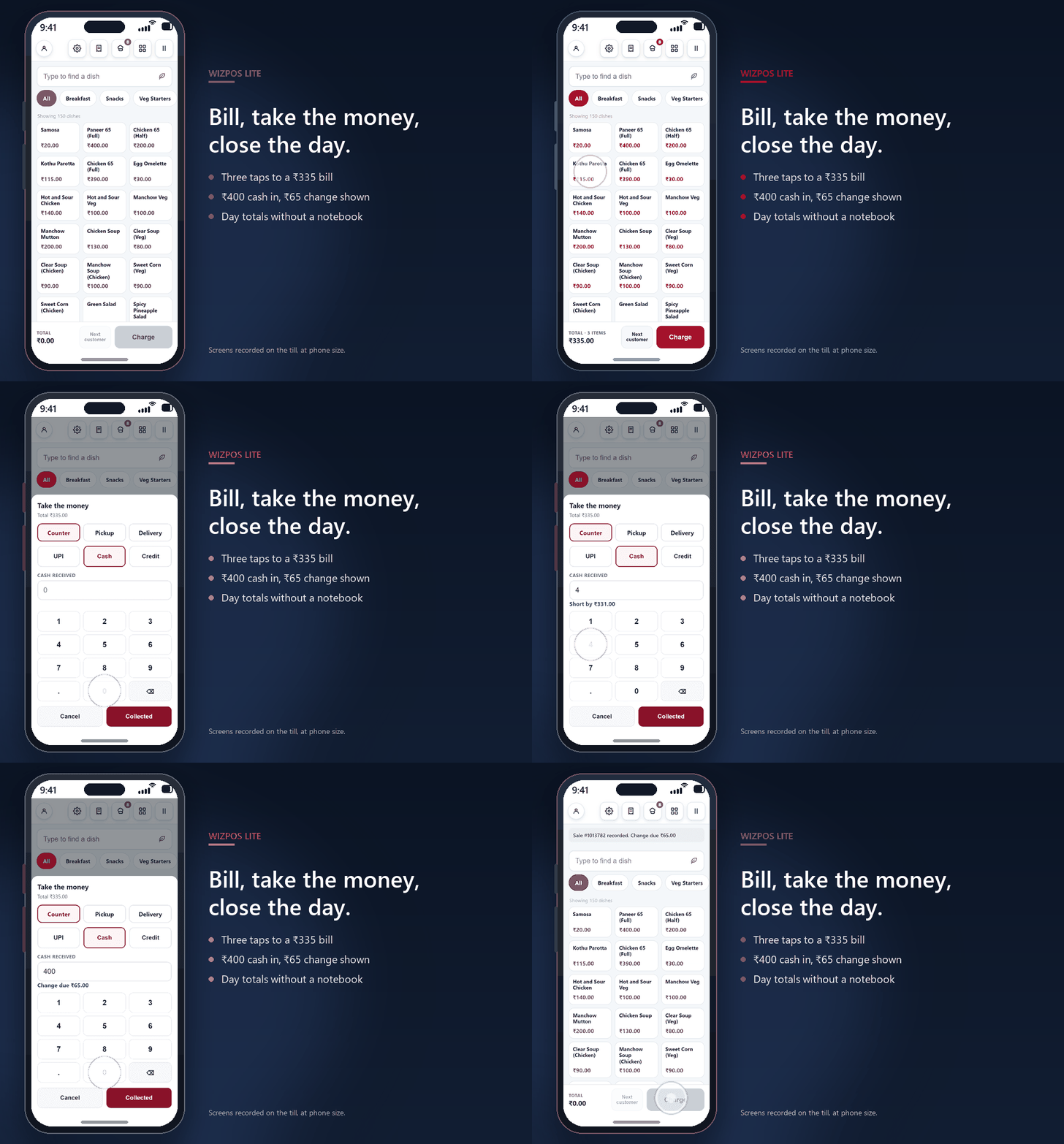
WizPOS Lite is the version we built for the shop that needs none of that. It opens in the browser of the phone or the tablet already sitting on your counter. There is nothing to install, no terminal to buy, and no screen that only the manager knows how to use.
What WizPOS Lite actually does
Billing that takes a few taps
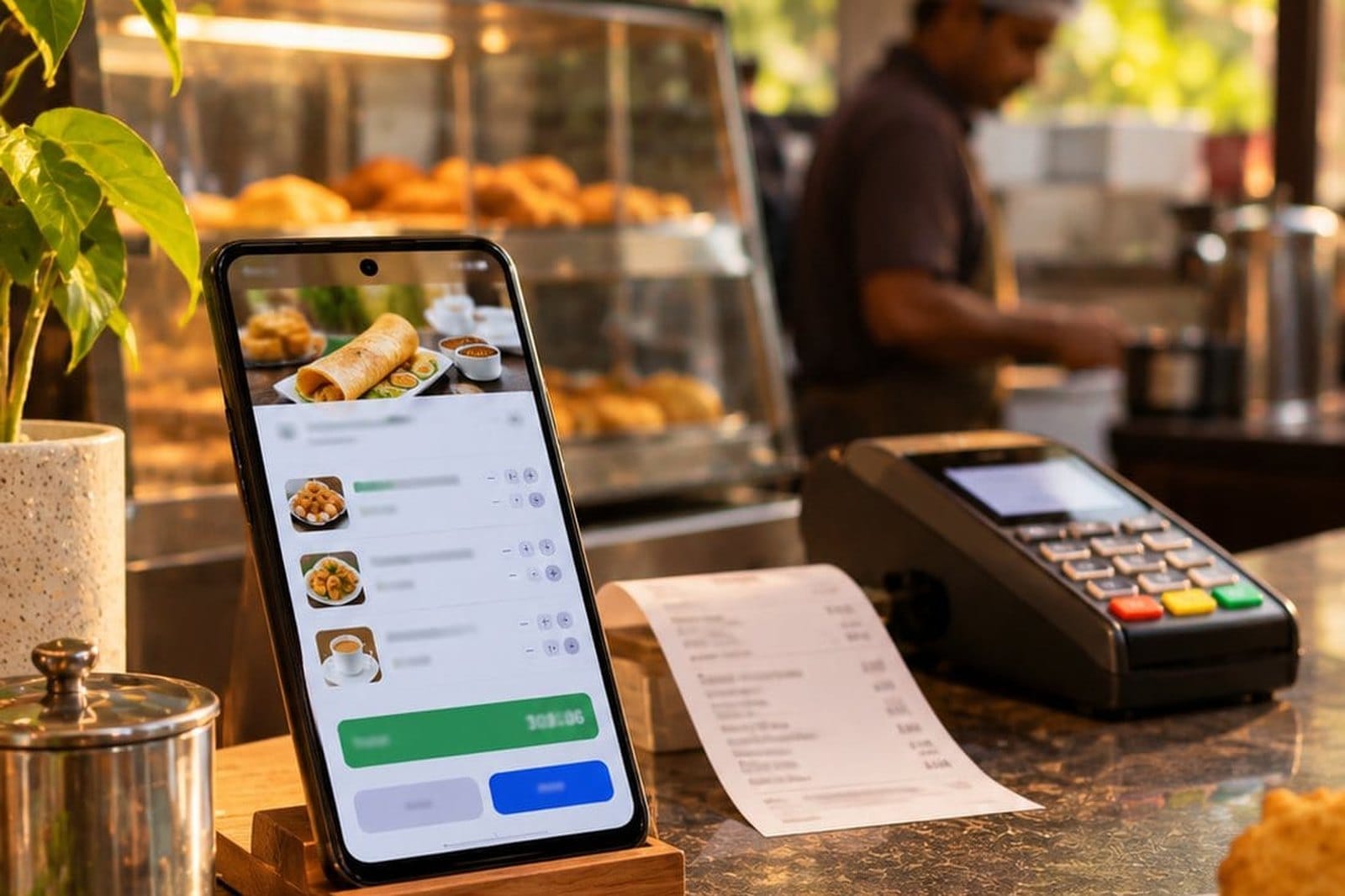
The menu is laid out the way your counter works: categories down one side, the dishes you sell most near the top, the price on every tile. You tap what the customer ordered, set the quantity, apply an offer if there is one, choose cash, card or UPI, and the bill is ready to print or send to the customer’s phone.
A second item added to the same bill is another tap, not a new order. Delivery has its own fields, so a parcel order carries the charge, the address and the instruction to ring the bell instead of breaking the day’s totals later in a notebook.
A menu and a QR code that stay correct
Your menu gets its own page and its own QR code, so a customer can read it without waiting for a card, and order from it if you want them to. Change a price or mark a dish out once and the table sees the change immediately, because the menu is a live page rather than a reprint.
The day’s numbers without asking anybody
Sales by day, by item and by payment type, with the cash and the card takings shown separately and the tax grouped by rate. You can look back ninety days, which is enough to answer the question every owner actually asks: what did last Friday do compared with the Friday before?
Staff accounts that take a second to sign in
Each person who needs a screen gets their own login. Kitchen and counter staff sign in with a username and a four-digit PIN rather than a password, which is much faster on a shared tablet, and switching somebody off stops their account at once without deleting the sales that carry their name.
What WizPOS Lite deliberately does not do
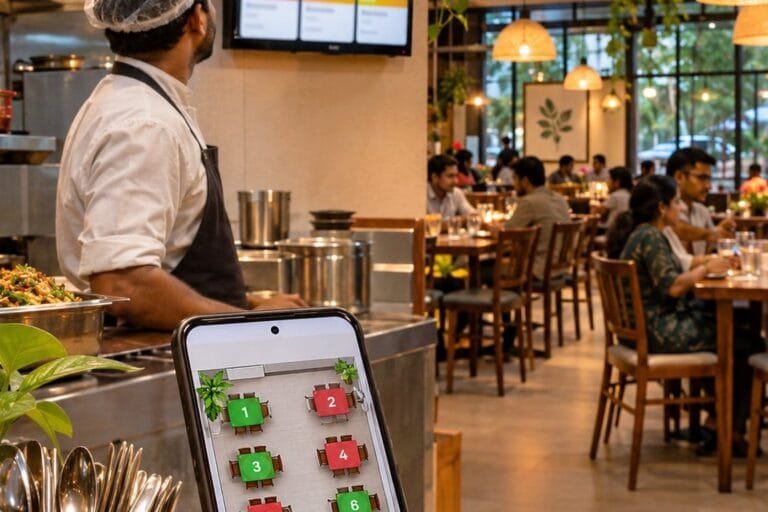
Lite is the counter, and it stays the counter. There is no table floor, no kitchen display screen, and no per-waiter order taking. If your service is waiter-to-table with a kitchen that works from a screen, the version you want is Lite Pro, not Lite.
Keeping Lite small is the point: fewer screens means fewer things to explain on a busy Friday, and a price that a single-counter shop can justify from the first week.
What it costs
Lite is ₹338 a month, or ₹2,860 for a year. That covers 150 products on the menu, the owner login plus two staff logins, and as many bills as you can print. There is no charge per bill and no commission on UPI payments.
Who it fits
- Cafés, bakeries and juice counters where the customer orders at the counter.
- Small takeaway kitchens doing most of their business on parcels.
- Cloud kitchens that deliver themselves and need the bill and the address in one place.
- A second outlet where the owner wants the same numbers as the first, without paying for a full suite.
It does not fit a restaurant where waiters take orders at twelve tables and the kitchen needs to see them the moment they are punched. That is what Lite Pro exists for.
Getting started
- Tell us the restaurant’s name and the country it trades in, so the prices and the tax on the menu are right from the first bill.
- Add your menu, or send a photo of the printed card and we add it for you. A menu of forty dishes takes minutes, not an afternoon.
- Print the QR code if you want customers to read the menu themselves, and start billing on the device you already have.
See what WizPOS does, or talk to us about putting your menu in. Most shops are billing on the same day.